


The Media Scholarship Commons, located on the third floor of Price Gilbert, provides the Georgia Tech community with professional-grade equipment, multimedia software, and support for creating media-rich projects and research. Reservable audio and video studios offer tools for podcasting, voice recording, video production, and lecture recording, including a whisper booth, green screen, and lightboard. An open-access multimedia computing area features Mac and Dell workstations, docking stations, and software such as Adobe Creative Cloud, iMovie, and GarageBand. The Print Studio provides walk-up poster printing and assistance with printing and computing throughout the Library.
About the Space
Multimedia Computing
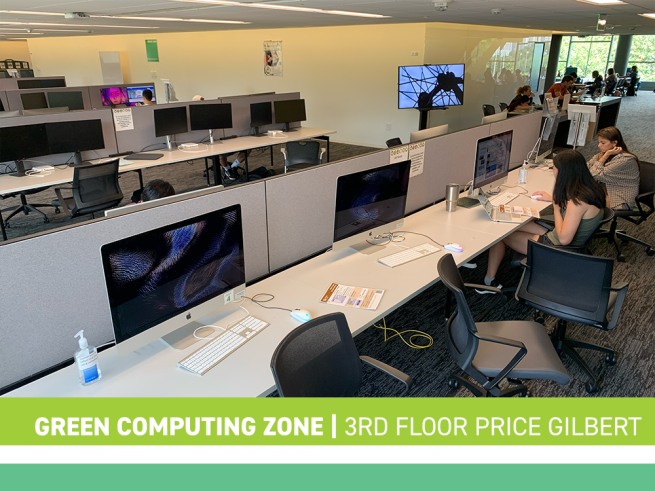
3rd floor, Price Gilbert
Dell Pro Max Micro desktops w/Studio displays (8)
MacPros w/24-core M2 Ultra CPU/GPU/Neural Engine, 128GB Memory, 1TB Hard Drive with 6K 32” Pro Display XDR Monitors (2)
Docking stations, dual 24" monitors (39)
Capacity = 50
Availability = No Reservations Needed
Software: Full Adobe Suite including Illustrator, InDesign, Photoshop, and Premiere Pro; Office; iMovie; GarageBand
Print Studio
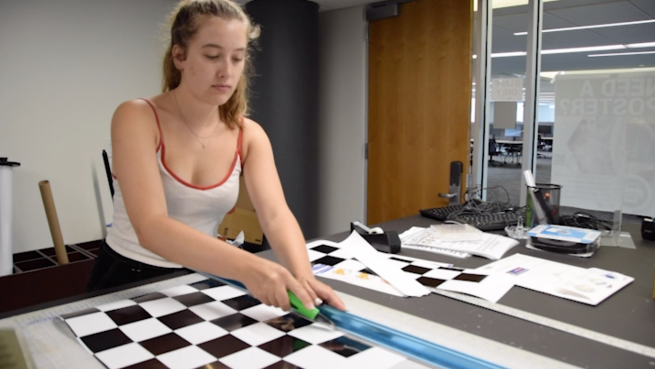
The Print Studio provides printing and computing support for all printers and computing zones in the Library. We are located on Price Gilbert 3rd Floor. The Print Studio also provides a walk-up poster printing service.
Posters must be submitted for printing at least 30 minutes before closing time for same-day service.
Fall & Spring Semester Hours
- Friday, 10am-10pm, Saturday, 12pm-6pm, Sunday, 10am-10pm
Summer Semester Hours
Monday - Friday, 10am-10pm & Saturday - Sunday, 2pm-6pm
Note: The Print Studio will be closed on all holidays and any day the Library is also closed. Please visit the Library Hours page for more info.
Audio Recording Studio
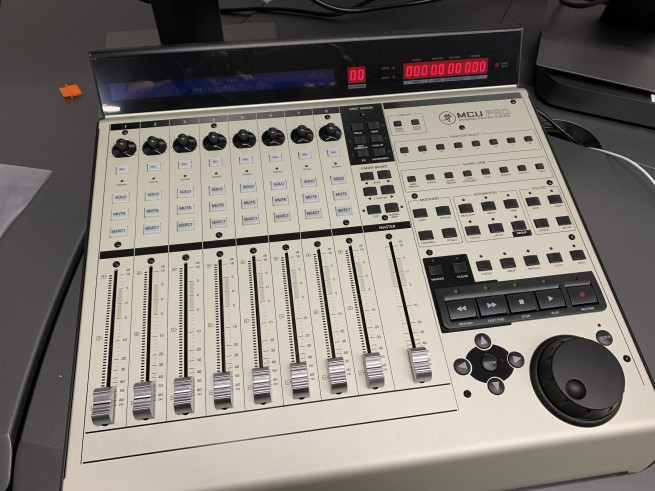
The Audio Recording Studio provides equipment for recording audio projects.
- Podcasting Station with two microphones
- Whisper Booth with microphone
- Apogee Ensemble Interface
- Mac with GarageBand and Logic Pro
To use the Audio Recording Studio, follow these steps:
Step 1: Enroll in the Canvas Course
Step 2: Review and pass the linked quiz on the Multimedia Studio Policies
Step 3: Review and pass either or both of the following trainings and pass the linked quizzes
- Using the Podcasting Station with two microphones
- Using the Whisper Booth to record a single audio track
You cannot reserve the Audio Recording Studio without first taking and passing the policies *and* one or more of the video quizzes.
Video Recording Studio
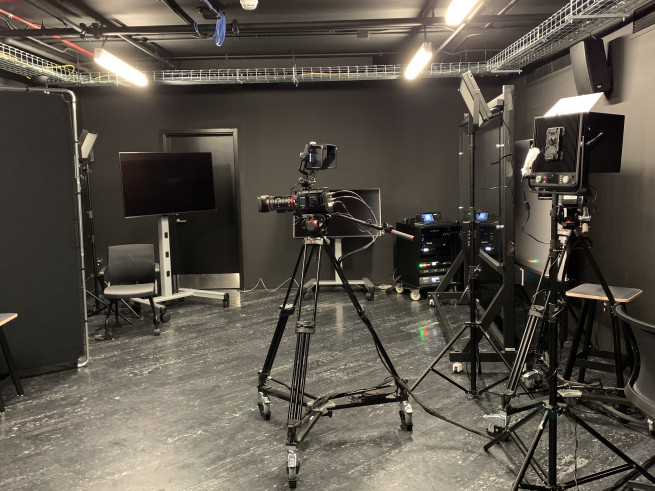
The Video Recording Studio provides professional-grade equipment for recording videos.
- Two Blackmagic cameras
- Green Screen
- Lightboard for lecture recording
- Wireless microphones
To use the Video Recording Studio, follow these steps:
Step 1: Enroll in the Canvas Course
Step 2: Review and pass the linked quiz on the Multimedia Studio Policies
Step 3: Review and pass either or both of the following trainings and pass the linked quizzes
You cannot reserve the Video Recording Studio without first taking and passing the policies *and* one or more of the video quizzes.